
SEO Checklist 2026: Everything You Need to Test Before Launching Your Website
Launching without an SEO review is the most expensive mistake you can make. This checklist catches the issues that silently kill your rankings — before they cost you traffic.
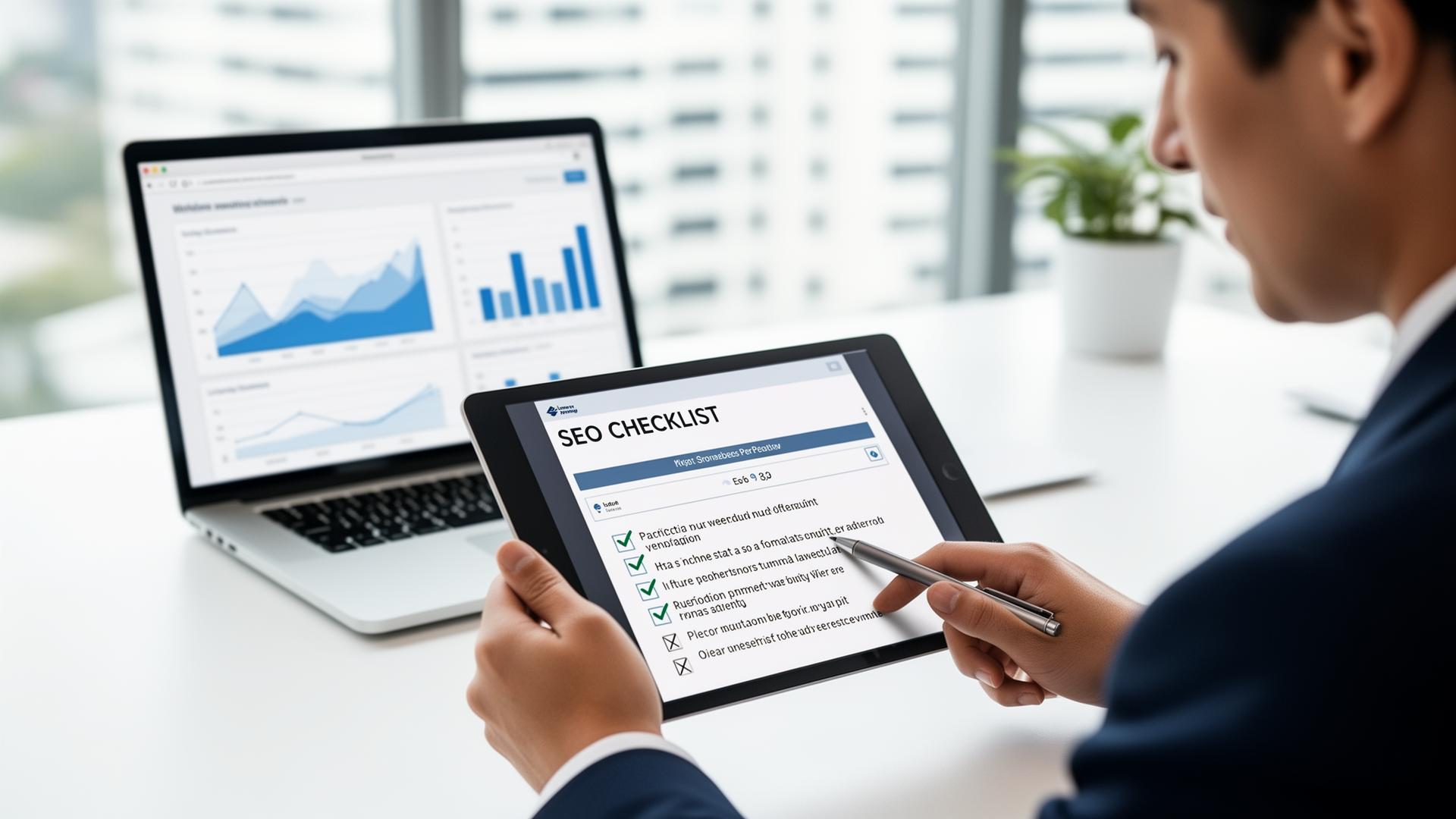
What you'll learn
- →Essential technical SEO elements every site needs
- →How to optimize content for search engines and users
- →On-page SEO best practices for 2026
- →How to test and validate before going live
Why SEO Preparation Is Critical
Launching a website without preparing for search engine optimization is like opening a store in the middle of nowhere. In 2026, SEO is more important than ever because search engines reward sites that are fast, user-friendly, and technically solid. If you're unsure where to start, our guide on fixing common SEO issues is a great companion to this checklist.
Start with Technical SEO
The foundation of SEO lies in technical performance. Essential elements include:
- ✓Clear URL structure that's easy for users and search engines to understand
- ✓Mobile-friendly design that works on all devices
- ✓Fast loading times and optimized Core Web Vitals
- ✓Properly configured robots.txt and XML sitemap
- ✓Secure HTTPS connection that builds trust
Tools like SnapSiteScan allow you to analyze Core Web Vitals and detect performance issues that could hurt both user experience and search rankings.
Optimize Your Content
Content continues to play a crucial role in SEO. Every page should have:
- A descriptive, keyword-rich title
- A meta description that accurately reflects the page's content
- Internal linking that helps search engines understand hierarchy
- High-quality content that keeps visitors engaged
Don't forget to check for duplicate content, broken links, and missing image alt attributes—these can undermine your site's visibility.
The Complete 27-Item Checklist (Grouped by Priority)
Below is the full list we run on every site before launch. Critical items must pass — they directly determine whether Google can index and rank your site. High and medium items are where most ranking gains come from.
🔴 Critical (8 items) — must pass before launch
| # | Check | Pass criteria |
|---|---|---|
| 1 | HTTPS enabled | Valid SSL, all assets served over HTTPS |
| 2 | robots.txt not blocking site | No Disallow: / on production |
| 3 | XML sitemap published | Submitted to Google Search Console |
| 4 | No noindex on production pages | Check meta robots + HTTP header |
| 5 | Canonical tags set correctly | One per page, absolute URL, self-referencing |
| 6 | Mobile viewport meta tag | width=device-width, initial-scale=1 |
| 7 | Unique title on every page | 50–60 chars, no duplicates |
| 8 | Server returns 200 for valid URLs | No accidental 404/500/redirect chains |
🟠 High impact (10 items) — biggest ranking gains
| # | Check | Pass criteria |
|---|---|---|
| 9 | LCP < 2.5s (mobile) | 75th percentile, real-user data |
| 10 | INP < 200ms | Replaced FID in March 2024 |
| 11 | CLS < 0.1 | Reserve space for images/ads |
| 12 | Meta description 140–160 chars | Unique per page, action-oriented |
| 13 | Single H1 per page | Contains primary keyword |
| 14 | Logical heading hierarchy | H2 → H3 → H4, no skipped levels |
| 15 | Structured data (JSON-LD) | Article, Product, FAQ, Breadcrumb as relevant |
| 16 | Internal linking depth ≤ 3 clicks | Every page reachable from home in 3 hops |
| 17 | Images have descriptive alt text | Decorative images use alt="" |
| 18 | Images served as WebP/AVIF | With explicit width/height attrs |
🟡 Medium impact (9 items) — polish & long-term
| # | Check | Pass criteria |
|---|---|---|
| 19 | Open Graph + Twitter Card tags | og:image 1200×630 |
| 20 | hreflang for multi-language sites | Including x-default |
| 21 | No render-blocking resources | Defer non-critical JS & CSS |
| 22 | Font display strategy | font-display: swap + preload |
| 23 | No broken internal links | Crawl with Screaming Frog or similar |
| 24 | 404 page returns proper status | Not soft-404 (200 with error content) |
| 25 | Author bios on content pages | E-E-A-T signal |
| 26 | Analytics installed (consent-gated) | GA4 + Search Console verified |
| 27 | llms.txt for AI crawlers | New 2026 standard for AI search visibility |
⏱️ Time budget
All 27 items typically take 2–4 hours to verify on a small site, but the critical 8 take only ~20 minutes — and they're what determines whether you even get indexed.
On-Page SEO Best Practices
Beyond technical setup and content, individual pages need careful optimization:
- ✓Headings follow a logical hierarchy (H1, H2, H3)
- ✓Primary keywords placed naturally in titles and headings
- ✓Images optimized for speed and accessibility
- ✓Structured data for rich search results
Focus on User Experience
User experience has become a core part of SEO. A website that is easy to navigate, visually appealing, and responsive keeps visitors engaged longer—which search engines interpret as a sign of quality.
Fast-loading pages, clear navigation, and intuitive layout all contribute to better engagement and, ultimately, better rankings.
Test and Validate Before Launch
Before you go live, thorough testing is essential. Use SnapSiteScan to measure:
- Page speed and loading performance
- Core Web Vitals (LCP, INP, CLS)
- Overall site health and optimization opportunities
Validate HTML, CSS, and structured data to ensure everything works correctly. This final step confirms that your website is fully optimized and ready to perform.
By following this SEO checklist, you can confidently launch a website that is fast, user-friendly, and optimized for search engines.
In 2026, careful preparation is the key to attracting traffic and building a strong online presence.
For a more comprehensive review process, see our complete website audit guide or learn how to run a full website audit step by step. Want a quick automated check? Try our free SEO scanner to catch the most common technical issues in seconds.
Frequently Asked Questions
How long does an SEO audit take?+
A full technical SEO audit using a free scanner takes 30-45 seconds. A deep manual review of content, backlinks, and competitor gaps typically takes 4-8 hours for a small site.
What's the most important SEO check before launch?+
Crawlability and indexation. If Google can't crawl your site (blocked by robots.txt) or render it (JavaScript issues), nothing else matters. Always verify with Search Console's URL Inspection tool before launch.
Do I need to fix every issue on the checklist?+
No. Prioritize by impact: fix Core Web Vitals failures and crawlability issues first, then meta tags and structured data, then nice-to-haves. The top 3 fixes usually deliver 80% of the ranking lift.
How often should I re-run the SEO checklist?+
Every major release, plus a monthly spot-check. SEO regressions creep in silently when developers ship without an audit step.
Related Articles
Check your site before launch
Run a comprehensive scan to ensure your site is optimized for SEO and performance.
Scan Your Website Free