
The Complete Website Audit Guide: Speed, SEO, and UX Explained
Most websites lose visitors, rankings, and revenue because of problems their owners never notice. A proper website audit reveals every hidden issue — from sluggish load times to broken SEO signals to frustrating user experiences. This guide walks you through the entire process.
What you'll learn
- →What a website audit actually covers and why it matters
- →How to evaluate speed, SEO, and UX together — not in isolation
- →The Core Web Vitals metrics Google uses to rank your site
- →Common audit findings and how to fix them step by step
- →How tools like Lighthouse and SnapSiteScan work under the hood
- →When and how often you should audit your website
What Is a Website Audit?
A website audit is a structured analysis of everything that affects how your site performs, ranks, and feels to visitors. It is not a vague "health check." It is a detailed, data-driven process that examines your site across three interconnected dimensions: speed, SEO, and user experience.
Think of it like a building inspection. You would not buy a house without checking the foundation, the wiring, and the plumbing. A website audit does the same thing — it identifies structural problems before they cost you traffic, customers, or credibility.
The reason audits matter more in 2026 than ever before is simple: Google's ranking system now weighs Core Web Vitals and page experience as direct ranking signals. A site that looks good but performs poorly will lose ground to competitors who have done the work.
A proper audit answers three fundamental questions. First, does this site load fast enough for real users on real devices? Second, can search engines crawl, understand, and index every important page? Third, do visitors actually enjoy using it — or do they struggle, get confused, and leave?
Why Website Audits Matter More Than Ever
There is a persistent myth that a website only needs attention during the initial build. In reality, websites degrade over time. New plugins get added. Images pile up without compression. Third-party scripts accumulate. Content ages. Dependencies fall out of date. What launched as a fast, clean site slowly becomes bloated — and the owner rarely notices because the decline is gradual.
Meanwhile, Google's expectations keep rising. In 2024, the Interaction to Next Paint (INP) metric replaced First Input Delay as a Core Web Vital. In 2025, mobile-first indexing became the default for all sites. In 2026, experience signals carry more weight than ever before in how Google decides which pages deserve visibility.
A website audit is not a luxury. It is maintenance. Without it, you are guessing. With it, you know exactly where your site stands — and what to fix first.
Consider this: a 1-second improvement in load time can increase conversions by 7 percent. A single missing meta description on your highest-traffic page can cost you thousands of clicks per month. A layout shift on mobile can push visitors away before they even read your headline. Audits catch all of these problems — and more.
The Speed Pillar: How Load Time Affects Everything
Speed is the foundation of every successful website. It does not matter how beautiful your design is, how clever your copy is, or how good your product is — if the page takes too long to load, most visitors will never see any of it.
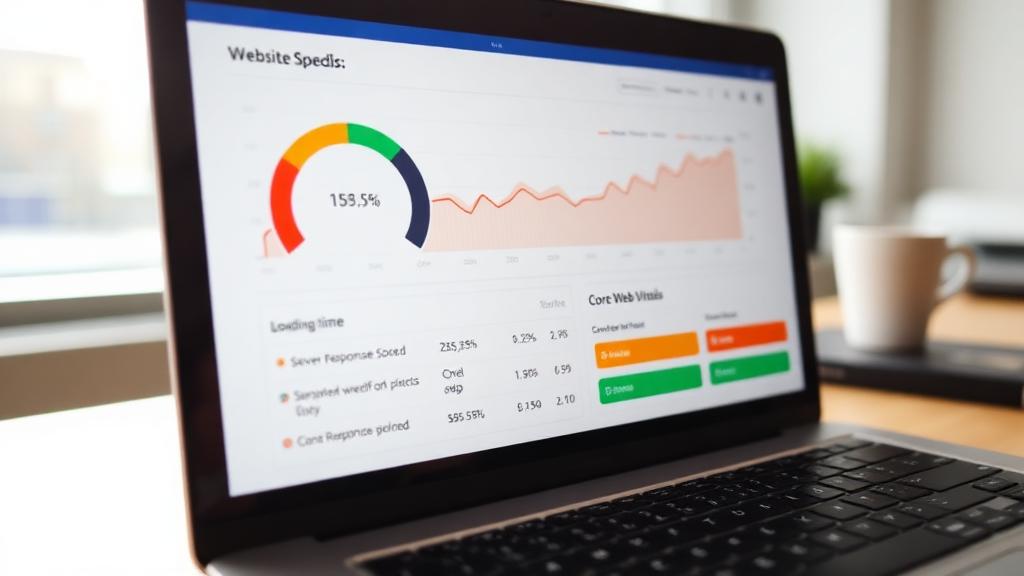
When we talk about "speed" in a website audit, we are measuring several specific things. The most important is Largest Contentful Paint (LCP) — how long it takes for the main content of a page to become visible. Google considers anything under 2.5 seconds "good." Anything above 4 seconds is poor.
But LCP is only part of the picture. A speed audit also examines server response time (TTFB), which measures how quickly your server starts sending data. If your TTFB is slow, everything else gets delayed. It looks at render-blocking resources — CSS and JavaScript files that prevent the browser from painting content. And it checks how efficiently your images, fonts, and scripts are being delivered.
The real-world impact is significant. Research from Google shows that as page load time increases from 1 to 3 seconds, the probability of bounce increases by 32 percent. From 1 to 5 seconds, it increases by 90 percent. These are not theoretical numbers — they represent actual users leaving your site because it did not load fast enough.
A speed audit with a tool like SnapSiteScan surfaces every bottleneck: oversized images, unused JavaScript, missing compression, slow third-party scripts. More importantly, it prioritizes them by impact so you know where to focus first. Not all speed issues are equal. Fixing the top three often delivers 80 percent of the improvement.

The SEO Pillar: Making Sure Search Engines Can Find You
You could have the most useful content on the internet, but if search engines cannot crawl, index, and understand it, nobody will find it. The SEO dimension of a website audit focuses on technical accessibility — the invisible infrastructure that determines whether your pages show up in search results.
A thorough SEO audit checks dozens of factors. At the most basic level, it verifies that every page has a unique, descriptive title tag and a meta description that accurately reflects the content. It sounds simple, but a surprising number of websites have duplicate titles, missing descriptions, or generic placeholders that were never updated after launch.
Beyond metadata, the audit examines your site's crawlability. Is your robots.txt configured correctly? Does your XML sitemap include all important pages — and exclude the ones that should not be indexed? Are there broken links, redirect chains, or orphan pages that search engines cannot reach?
Structured data is another critical area. JSON-LD schemas help Google understand what type of content each page contains — whether it is an article, a product, a FAQ, or a business listing. Sites with properly implemented structured data are eligible for rich results in search, which can dramatically improve click-through rates.
Internal linking is often the most underrated SEO factor. A well-linked site helps search engines discover and contextualize every page. It distributes ranking power across your content. And it guides visitors naturally from one relevant page to the next. Our article on building topical authority explains how strategic internal linking can transform a collection of disconnected pages into a cohesive knowledge hub.
The SEO part of an audit also looks at mobile compatibility. Since Google uses mobile-first indexing, the mobile version of your site is the one that determines rankings. If your mobile experience is poor — text too small, buttons too close together, content hidden behind interstitials — your search visibility will suffer regardless of how well the desktop version performs. Our mobile vs desktop performance guide covers this in depth.
The UX Pillar: The Human Side of Performance
Speed and SEO are essential, but they exist to serve a larger purpose: giving real people a good experience. The UX dimension of a website audit evaluates how visitors actually interact with your site — not just whether it loads fast, but whether it feels responsive, stable, and intuitive.
Two Core Web Vitals are directly tied to UX. Interaction to Next Paint (INP) measures how quickly your page responds when someone clicks a button, taps a link, or types into a form. A good INP is under 200 milliseconds. Anything above that feels sluggish — like the site is ignoring the user's input.
Cumulative Layout Shift (CLS) measures visual stability. Have you ever tried to click a link on a page, only to have the content shift at the last moment, causing you to tap something else? That frustrating experience is what CLS captures. A good CLS score is under 0.1. Common causes include images without specified dimensions, dynamically injected content, and web fonts that load late and cause text to reflow.
A UX audit goes beyond metrics. It examines navigation clarity, form usability, contrast ratios, font readability, and whether interactive elements are large enough to tap on mobile devices. Google's accessibility audit — which tools like Lighthouse and SnapSiteScan include — checks for issues like missing alt text on images, insufficient color contrast, and missing ARIA labels on interactive elements.
The connection between UX and business results is direct. Sites that feel smooth and responsive build trust. Trust leads to longer visits, more page views, more conversions, and more return visitors. The quality signals that Google looks for are increasingly aligned with what real users value.
Core Web Vitals: The Metrics That Define Modern Performance
Core Web Vitals are the three metrics Google uses to evaluate the real-world experience of your website. They are not abstract scores — they represent what actual visitors feel when they use your site.
Largest Contentful Paint (LCP)
Measures loading speed — specifically, how long it takes for the main content element to appear. Target: under 2.5 seconds. Common causes of poor LCP include unoptimized hero images, slow servers, and render-blocking resources.
Interaction to Next Paint (INP)
Measures responsiveness — how quickly your page reacts to user interactions. Target: under 200 milliseconds. Heavy JavaScript, long main-thread tasks, and poorly optimized event handlers are the usual culprits.
Cumulative Layout Shift (CLS)
Measures visual stability — whether content jumps around as the page loads. Target: under 0.1. Images without dimensions, late-loading ads, and dynamic content injection cause most CLS issues.
These three metrics together paint a complete picture of how your website performs in the real world. A site can score 100 on a Lighthouse audit and still have poor field data if real users on slower devices have a different experience. That is why understanding the difference between lab data and field data is essential for interpreting audit results correctly.
How Audit Tools Like Lighthouse Actually Work
Google Lighthouse is the engine behind most website audit tools, including PageSpeed Insights and SnapSiteScan. Understanding how it works helps you interpret your results more accurately.
When you run a Lighthouse audit, the tool launches a controlled browser environment — typically simulating a mid-tier mobile device on a throttled 4G connection. It loads your page from scratch, with no cache, no cookies, and no prior state. As the page loads, Lighthouse records dozens of timing events: when the first pixel is painted, when the largest element appears, when the page becomes interactive, and when visual stability is achieved.
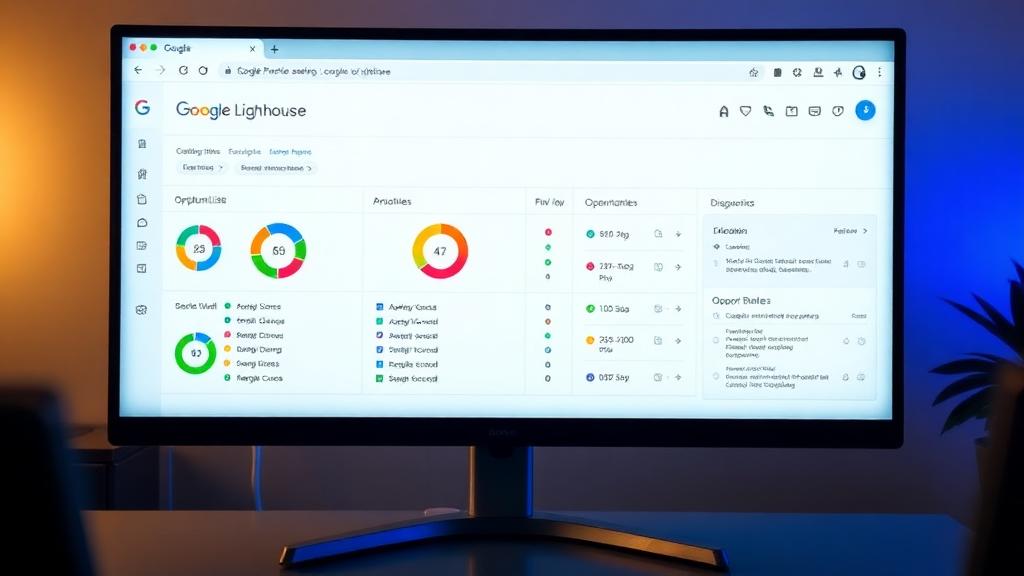
Based on these measurements, Lighthouse assigns scores across four categories: Performance, Accessibility, Best Practices, and SEO. Each category is scored 0 to 100, with specific audits feeding into each score. The Performance score, for example, is a weighted combination of six metrics: First Contentful Paint, Largest Contentful Paint, Total Blocking Time, Cumulative Layout Shift, Speed Index, and Time to Interactive.
Beyond scores, Lighthouse generates a list of "Opportunities" — specific actions you can take to improve performance. Each opportunity includes an estimated time saving, making it easy to prioritize. It also provides "Diagnostics" — informational findings that give additional context about how your page is built.
Tools like SnapSiteScan take this raw Lighthouse data and make it accessible. Instead of sifting through technical jargon, you see plain-language explanations, prioritized recommendations, and AI-generated summaries that tell you exactly what matters and what to fix first. The goal is to bridge the gap between the data Lighthouse produces and the action most website owners need to take.
The Most Common Problems Found in Website Audits
Across published Lighthouse and HTTP Archive data, the same patterns dominate. These are the issues that show up most frequently — and the ones that, when fixed, deliver the biggest improvements.
Oversized and Unoptimized Images
This is the single most common performance issue on the web. A 3MB hero image that could be 200KB with proper compression and modern formats like WebP or AVIF. Images without explicit width and height attributes that cause layout shifts. Images loaded eagerly when they should be lazy-loaded. Fixing images alone often improves LCP by 30 to 50 percent.
Render-Blocking JavaScript and CSS
Every external stylesheet and script that loads in the document head delays rendering. The browser cannot paint anything until these resources are downloaded and parsed. Deferring non-critical JavaScript and inlining critical CSS can dramatically reduce First Contentful Paint and LCP.
Missing or Duplicate Meta Tags
Title tags that are too long, too short, or duplicated across multiple pages. Meta descriptions that are missing entirely. These are basic SEO issues that take minutes to fix but can have an outsized impact on click-through rates from search results.
Slow Server Response Times
If your server takes more than 600 milliseconds to respond, everything else is fighting an uphill battle. Common causes include shared hosting, unoptimized database queries, missing CDN configuration, and server-side applications that do too much work on each request.
Poor Mobile Experience
Text that requires zooming to read. Tap targets that are too small or too close together. Horizontal scrolling. Content that extends beyond the viewport. These UX issues not only frustrate visitors but also trigger specific Lighthouse audit failures that lower your overall score.
Broken Internal Links and Redirect Chains
Links that point to pages that no longer exist. Redirects that chain through two or three intermediate URLs before reaching the final destination. These waste crawl budget, confuse search engines, and create poor user experiences. Every internal link should point directly to its final destination.
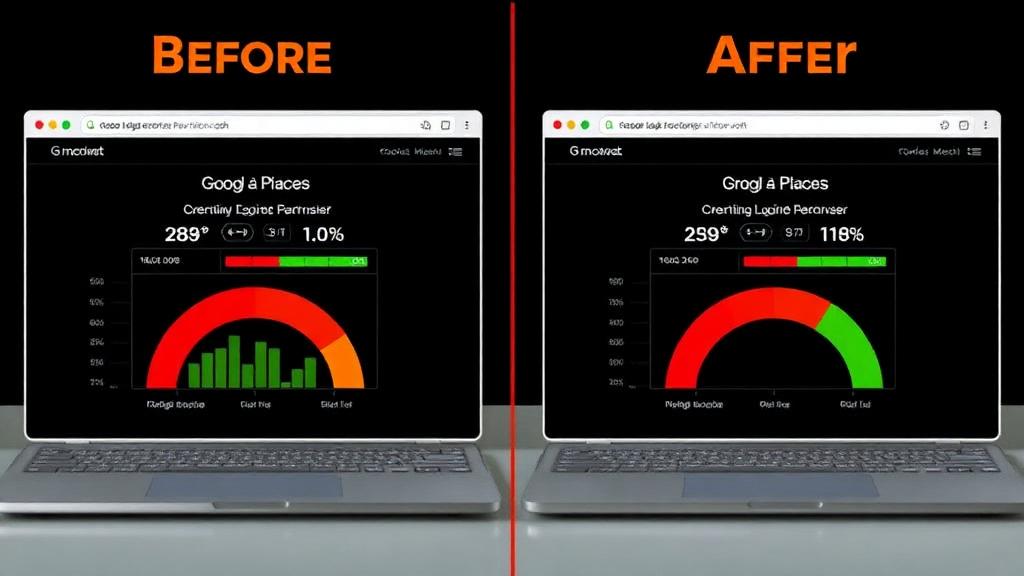
How to Fix What Your Audit Reveals
The most important principle when acting on audit results is prioritization. You will never fix everything at once, and you do not need to. Focus on the issues with the highest impact first — the ones that affect the most users or have the largest effect on your core metrics.
Start with images. Convert them to WebP or AVIF. Compress them. Set explicit width and height. Add lazy loading for anything below the fold. This single category of fixes often accounts for the biggest improvement in a website's performance score.
Next, address render-blocking resources. Move non-critical CSS to load asynchronously. Defer JavaScript that is not needed for the initial render. Inline the small amount of CSS required for above-the-fold content. Our guide on making your website faster provides step-by-step instructions for each of these optimizations.
For SEO issues, work through them systematically. Ensure every page has a unique title and description. Fix broken links. Update your sitemap. Add structured data where appropriate. Set up proper canonical URLs to prevent duplicate content issues.
For UX improvements, focus on the Core Web Vitals first. If your INP is poor, look for long JavaScript tasks and optimize event handlers. If your CLS is high, find the elements causing shifts and give them explicit dimensions. If your LCP is slow on mobile, optimize the critical rendering path.
Set a performance budget to prevent future regression. Define maximum page weight, maximum number of requests, and target scores for each Core Web Vital. Monitor these budgets regularly to catch problems before they accumulate.
When to Run a Website Audit
The short answer: more often than you think. At minimum, run a comprehensive audit quarterly. But there are specific moments when an audit is especially valuable.
Before a site launch or redesign, an audit establishes your baseline and catches issues before they go live. After any major content update, theme change, or plugin installation, an audit verifies that the changes did not introduce performance regressions. If you notice a sudden drop in search rankings or traffic, an audit can identify the technical cause.
For ongoing monitoring, tools like SnapSiteScan make it easy to scan regularly without manual effort. Running a quick scan after each deployment or content update takes seconds and can catch problems that would otherwise go unnoticed for weeks or months.
The best practice is to treat auditing as a habit, not an event. The websites that consistently rank well and convert effectively are the ones whose owners pay regular attention to speed, SEO, and user experience — not just once, but continuously.
Choosing the Right Audit Tool
There are many website audit tools available. Our comparison of GTmetrix alternatives covers what each one measures and who it suits.
Google Lighthouse is the gold standard for technical accuracy. It is free, open-source, and built into Chrome DevTools. However, its reports are intensely technical. PageSpeed Insights adds real-user data (Chrome User Experience Report) on top of Lighthouse, giving you both lab and field metrics. GTmetrix provides waterfall charts and historical tracking.
SnapSiteScan takes a different approach. Powered by Google's Lighthouse analysis, it translates the underlying data into plain-language recommendations with AI-powered summaries. Instead of decoding technical jargon, you see exactly what is wrong, why it matters, and how to fix it — with prioritized issues ranked by impact. It is designed for website owners who want actionable results without needing to be a developer.
The Bottom Line
A website audit is not a one-time task. It is a practice. The sites that rank well, convert consistently, and earn user trust are the ones that treat speed, SEO, and UX as ongoing priorities — not afterthoughts.
You do not need to understand every technical detail. You do not need to be a developer. You just need a clear picture of where your site stands and what to fix first. That is exactly what an audit provides.
The best time to audit your website was six months ago.
The second best time is right now.
Related Articles
Scan your website instantly and see what's slowing it down
Get a complete audit covering speed, SEO, accessibility, and best practices — with AI-powered fix recommendations.
Scan Your Website Free