
Understanding Core Web Vitals in 2025: What Every Website Owner Needs to Know
Google uses three specific metrics to judge your website's real-world performance. If you don't know what they are or where yours stand, you're optimizing blind. Here's what every website owner needs to know in 2026.
What you'll learn
- →What LCP, INP, and CLS measure and their target thresholds
- →Common performance pitfalls that hurt your Core Web Vitals
- →Practical fixes for each metric to improve your scores
- →How to monitor and maintain optimal performance over time
Why Core Web Vitals Matter
If you've been following web performance trends, you've probably heard the term Core Web Vitals. In 2025, these metrics have become a standard way to measure how users experience a website.
They are no longer optional or abstract numbers—they directly influence SEO rankings, user engagement, and conversion rates. Learn more about how Google PageSpeed Insights measures these metrics.
The Three Key Metrics
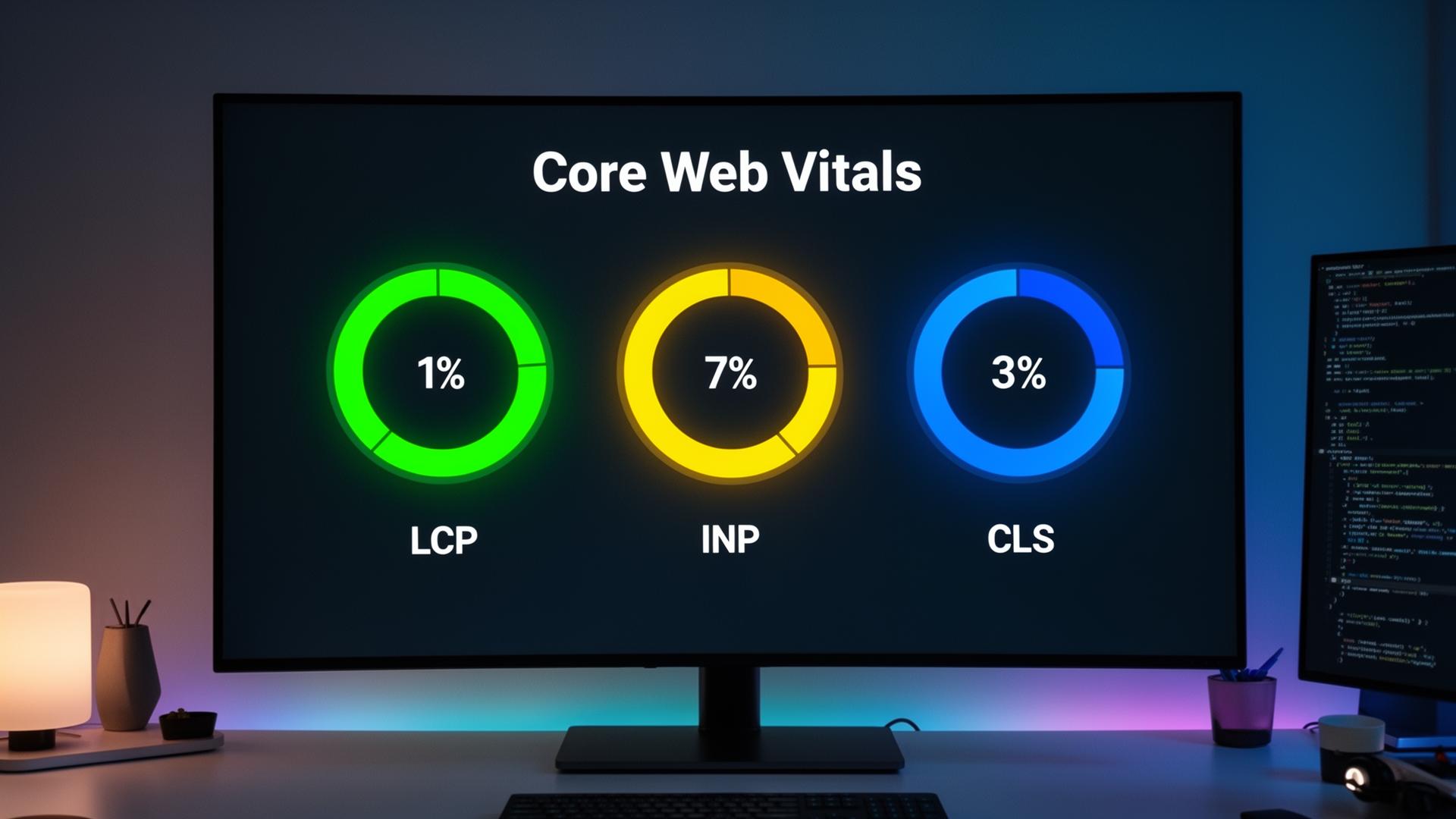
Core Web Vitals focus on three main areas of user experience:
Largest Contentful Paint (LCP)
Measures how long it takes for the main content to appear. A good LCP is under 2.5 seconds.
Interaction to Next Paint (INP)
Tracks responsiveness—how quickly a page reacts to clicks, taps, or keyboard input. A good INP is under 200 milliseconds. Read our complete INP guide for optimization tips.
Cumulative Layout Shift (CLS)
Measures visual stability—ensuring content doesn't jump around as the page loads. A good CLS is under 0.1.
Each metric plays a crucial role in creating a smooth experience for your visitors.
Common Performance Pitfalls
Many website owners struggle to understand why their Core Web Vitals are low. Often, the causes are simple:
- Unoptimized images slowing down LCP
- Large JavaScript bundles blocking interactivity
- Slow-loading third-party scripts
- Missing image dimensions causing layout shifts
- Render-blocking CSS delaying first paint
Tools like SnapSiteScan simplify this process, translating technical data from Google PageSpeed Insights into actionable insights.
How to Improve Core Web Vitals
Improving Core Web Vitals isn't just about raw performance—it's about perception. Visitors notice when a site feels fast and stable.
- ✓For LCP: Optimize hero images, use modern formats (WebP/AVIF), preload critical resources
- ✓For INP: Defer non-critical scripts, break up long tasks, minimize main thread work
- ✓For CLS: Set explicit dimensions on images, reserve space for dynamic content
Monitoring and Consistency
Regular monitoring is key. Core Web Vitals can fluctuate depending on content changes, new scripts, or hosting updates.
Using SnapSiteScan to track trends ensures that improvements are maintained over time and that your website remains competitive.
Delivering a Better User Experience
Ultimately, focusing on Core Web Vitals is about giving visitors a better experience. Fast-loading, responsive, and visually stable pages build trust, increase engagement, and improve SEO.
By understanding these metrics and taking actionable steps, website owners can create sites that are not only fast but also enjoyable to use.
To put Core Web Vitals into the context of a full site review, read our complete website audit guide. And to understand what score you should actually aim for, check out what counts as a good PageSpeed score in 2026.
Related Articles
Check your Core Web Vitals
See how your website performs on LCP, INP, and CLS with a free scan.
Scan Your Website Free