
What Google PageSpeed Insights Really Does — And Why It Matters for Your Website
You've probably run a PageSpeed test at some point. A number appeared — maybe green, maybe red. But what did it actually tell you? Most people misunderstand what this tool measures, how it scores your site, and why it matters for SEO in 2026.
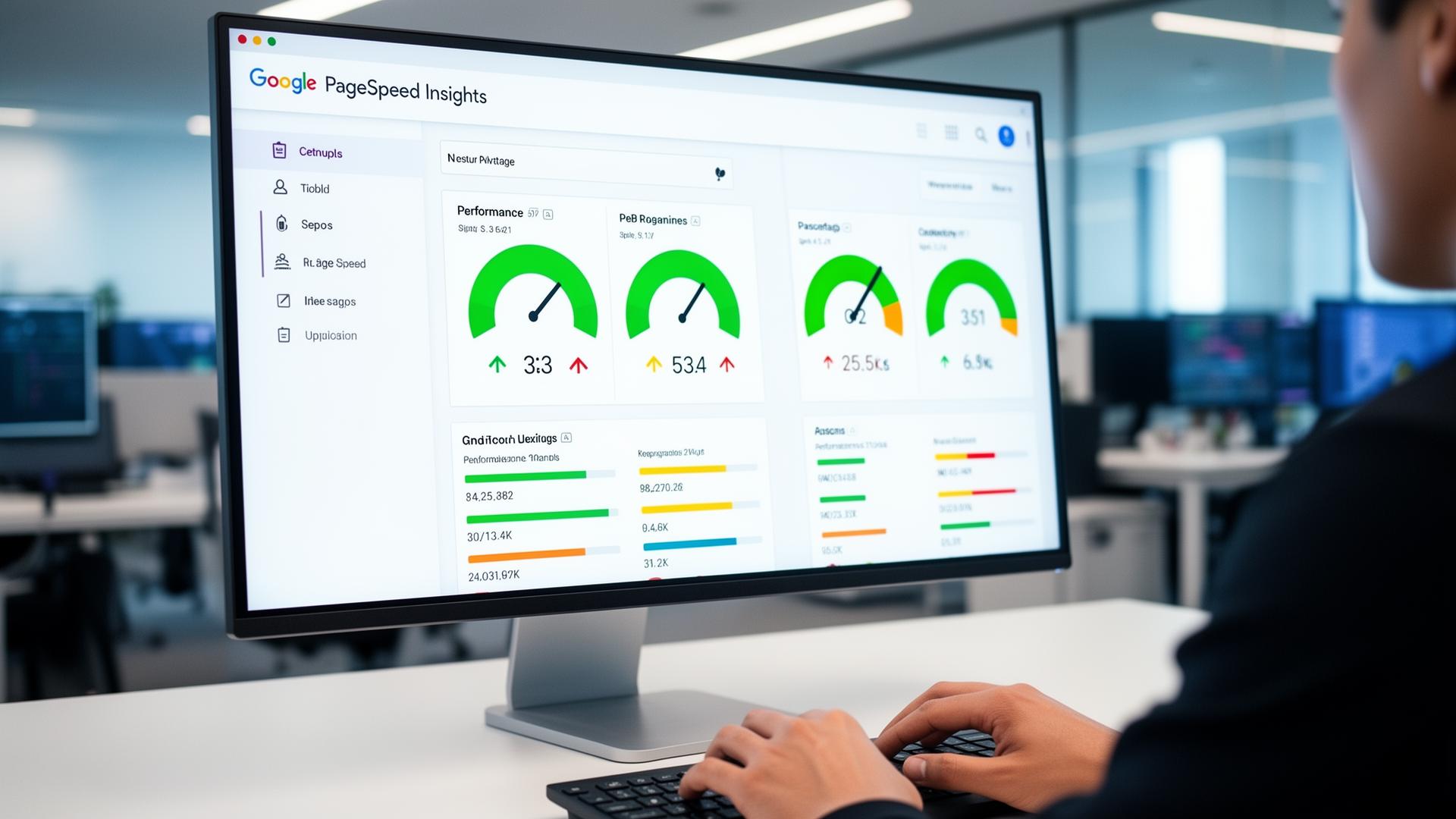
What you'll learn
- →How Google PageSpeed Insights measures real-world performance
- →What the 0-100 score actually means for your website
- →Why speed has become a direct SEO ranking factor
- →How to interpret PageSpeed reports without technical expertise
That's where Google PageSpeed Insights comes in — a tool that has quietly become one of the most influential parts of modern SEO.
But although millions use it, far fewer actually understand what PageSpeed Insights does, how it collects its data, or why the score it gives you matters in the first place. This article breaks down those points clearly, without the technical noise.
A Tool Built for Real-World Performance
When you type a URL into Google PageSpeed Insights, it doesn't simply "check your speed." It recreates what a real user experiences.
Behind the scenes, the tool loads your website in a controlled environment, measuring how long it takes before the page becomes usable, interactive, and visually stable. These measurements — especially Google's Core Web Vitals — reflect what real visitors feel when they land on your site.
Instead of guessing why your site feels slow, PageSpeed Insights surfaces the exact reasons.
Why Speed Has Become a Ranking Factor
A few years ago, website speed was mostly a user-experience issue. Today, it's a direct SEO factor — not because Google cares about speed itself, but because slow websites frustrate users, and Google's job is to deliver the best possible search results.
Multiple studies show the same trend: if a page takes more than 3 seconds to load, most visitors give up.
For online stores, portfolios, agencies, blogs, and SaaS companies, this translates into missed conversions, fewer leads, and lower engagement. A slow website doesn't just annoy people — it costs money.
The Meaning Behind the Score
The familiar 0–100 score in PageSpeed Insights looks simple, but it represents a deep analysis.
- A score above 90 means your site performs extremely well under real-world conditions.
- Scores between 70 and 89 indicate a solid foundation with room to improve.
- Anything under 50 usually means visible slowdowns — delays, layout shifts, or long waits before interaction.
Many websites fall somewhere in the middle. That's normal, and in most cases, solvable.

The Problem: PSI Reports Are Hard to Understand
This is where many website owners struggle. PageSpeed Insights provides fantastic data — but the explanations can be intensely technical:
- "Reduce unused JavaScript"
- "Avoid large layout shifts"
- "Serve images in next-gen formats"
- "Eliminate render-blocking resources"
Most non-developers don't know what these terms actually mean, which is why tools like SnapSiteScan exist: they take the same Google data and present it in a clearer, more approachable way.
Instead of decoding jargon, users see actionable guidance written in plain English.
Why PageSpeed Insights Still Matters in 2026
Despite changes in algorithms, design trends, and frameworks, PSI remains one of the most reliable indicators of website health.
Here's why:
- ✓It tests your site the way Google sees it
- ✓It evaluates both desktop and mobile performance
- ✓It includes real user data when available (Field Data)
- ✓It focuses on metrics proven to affect user behavior
PageSpeed Insights isn't just another speed test — it's a reflection of how your site competes on the modern web.
The Big Picture
PageSpeed Insights matters because the modern internet is impatient. Users expect instant access. Google expects quality. Brand reputation depends on smooth performance.
A fast site feels effortless.
A slow one feels broken.
Understanding what PageSpeed Insights shows — and how to act on it — is one of the simplest ways to improve SEO, engagement, and user trust. For a comprehensive approach, see our complete website audit guide which covers speed alongside SEO, accessibility, and UX. Tools like SnapSiteScan make that process even easier by turning complex diagnostics into clear, helpful advice.
If you're wondering what score to aim for, our article on what counts as a good PageSpeed score in 2026 breaks it down by site type and complexity.
Related Articles
Run a scan to see your score
Understand your PageSpeed score and get clear, actionable recommendations.
Scan Your Website Free